Help
Guides to every part of ThisDay, from the first minute to AI agents on the Mac.
- Getting startedInstall ThisDay, find your way round the Day Bar, and add the first things to your day.
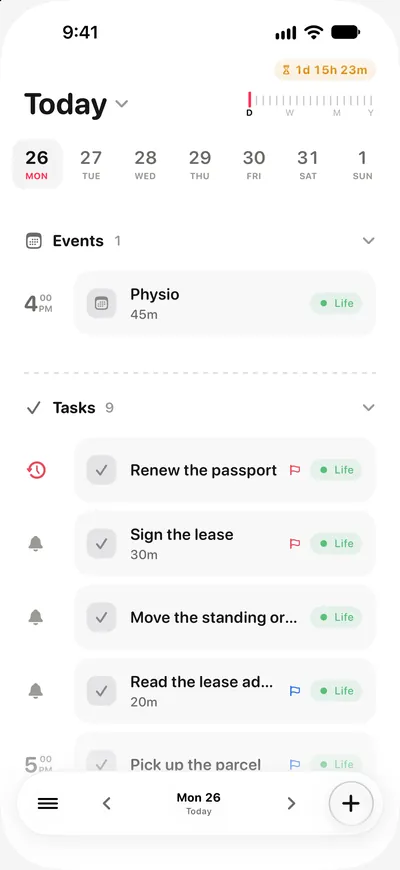
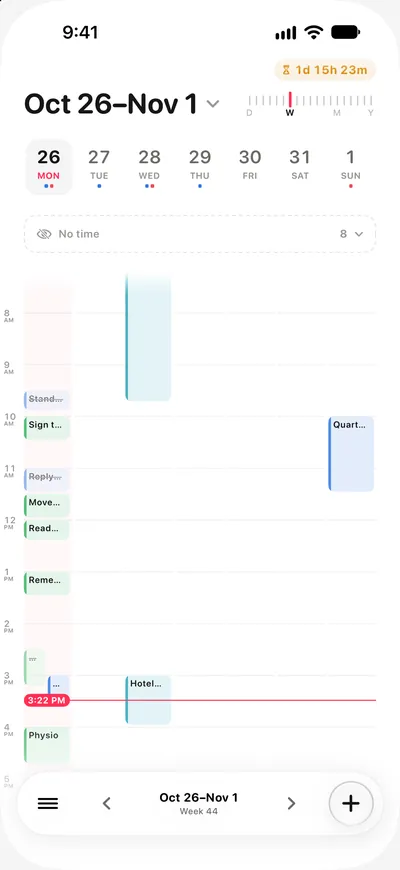
- Days and the zoom rulerToday and the calendar are one screen. Slide the ruler to see a few days, the week, the month or the year.
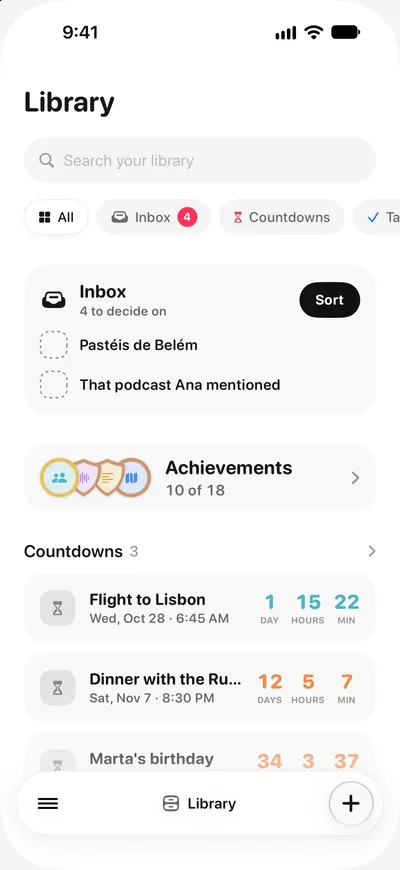
- Inbox and LibraryThe Inbox catches what has no day yet. The Library keeps notes, voice notes, pictures, places, countdowns and medals.
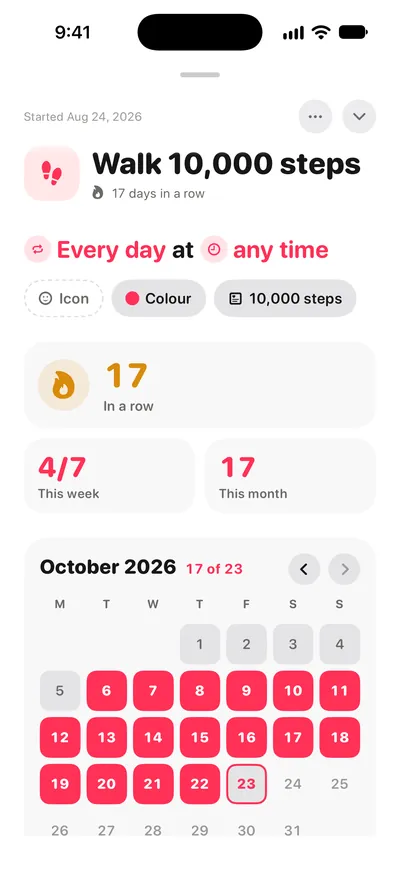
- Habits and Apple HealthHabits with streaks that can tick themselves from steps, sleep, workouts and the Apple Watch rings.
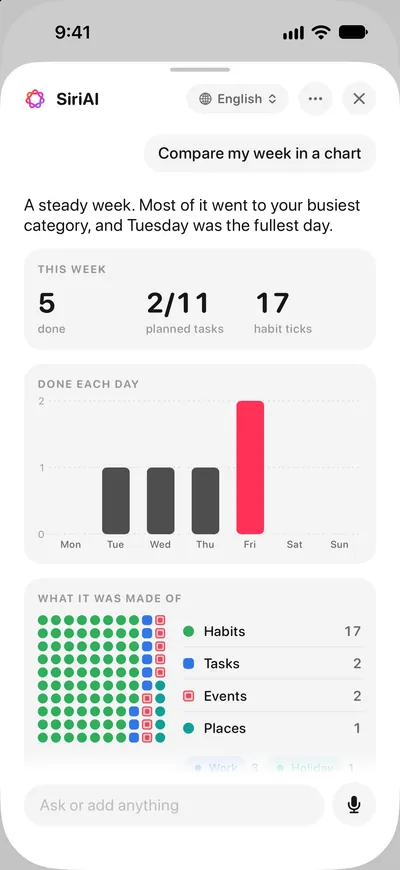
- SiriAIAsk questions about your own days and get answers with your items and charts, worked out on your device with Apple Intelligence.
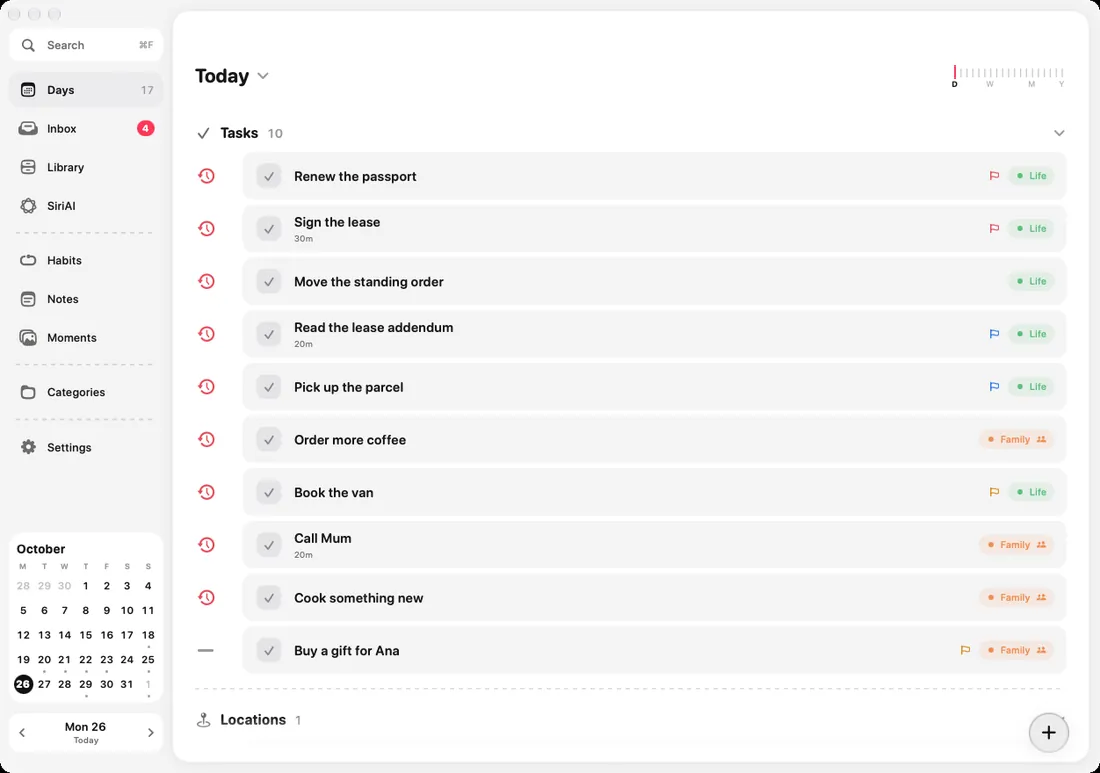
- ThisDay for MacKeyboard shortcuts, the command palette, quick add from any app, and the MCP server that lets AI agents work with your day.
Every guide
Calendars and sync
- Calendars and Apple RemindersShow Google, Outlook, Exchange and iCloud calendars and your Apple Reminders lists in your day, and send tasks back to Reminders.
- iCloud syncHow ThisDay keeps the same day on iPhone, iPad, Apple Watch and Mac through your own iCloud, and what to do when a device falls behind.
Devices
- Widgets, Apple Watch and Live ActivitiesThe widgets, the Apple Watch app and its complications, and Live Activities on the Lock Screen.
- ThisDay for MacKeyboard shortcuts, the command palette, quick add from any app, and the MCP server that lets AI agents work with your day.
- iPhone DuoHow ThisDay works on the folding iPhone, closed, open flat and folded like a book.
Planning your day
- Days and the zoom rulerToday and the calendar are one screen. Slide the ruler to see a few days, the week, the month or the year.
- Items and their kindsTasks, events, notes, voice notes, pictures, habits and places. What each kind is for and what it can carry.
- Inbox and LibraryThe Inbox catches what has no day yet. The Library keeps notes, voice notes, pictures, places, countdowns and medals.
- Habits and Apple HealthHabits with streaks that can tick themselves from steps, sleep, workouts and the Apple Watch rings.
- SiriAIAsk questions about your own days and get answers with your items and charts, worked out on your device with Apple Intelligence.
- Reminders and notificationsAny item with a time reminds you at that time. Early alerts, notification sound, and what to do when reminders do not arrive.
Common questions
Getting started
No. There is no sign-up and no login. Open the app and start. Your data lives on your device from the first tap.
Sign in to the same Apple Account on both, then turn on iCloud Sync in Settings on each device. There is nothing else to configure. ThisDay uses your own iCloud, not a server of mine.
Check that both devices are signed in to the same Apple Account, that iCloud Drive is on in iOS Settings, and that ThisDay is enabled in your iCloud app list. Sync also needs a network connection on both ends, and can take a minute to settle after a long period offline.
Habits and Apple Health
Open the habit, tap Auto-track, and choose a source: steps, exercise minutes, active energy, sleep, one of the Watch’s rings, or a workout type. For the sources that need a number, set your goal on the same row. ThisDay ticks the habit off when Health confirms it.
Check the habit has a source set in its Auto-track row, and that ThisDay has permission for that data type in the Health app under Sharing. Note that a missing reading is never treated as done: if your watch was on the charger, the habit waits for you rather than guessing. You can always tick it by hand.
Yours. A manual tick is never undone by a sensor. If you went for a run nobody recorded, you still went for a run.
No. Health data is read on your device, only for the habits you pointed at Health, and never leaves it. It is not stored in iCloud, not shared, and not sold. The privacy policy spells this out in full.
Reminders
Yes, and that is rather the point. Every kind of item can carry a reminder: tasks, notes, voice notes, events, habits and places.
Open iOS Settings, find ThisDay, and check Notifications is allowed. If notifications are on and reminders still do not arrive, check that Focus or Do Not Disturb is not filtering them, and that Scheduled Summary is not holding them for later.
Yes. An event can carry an early alert, so it nudges you with enough time to actually get there rather than as it begins.
Calendar and data
Calendars are opt-in per calendar. Open Settings in ThisDay and check that calendar is selected, and that the app has calendar permission in iOS Settings.
Deleting an event that came from another calendar hides it in ThisDay and leaves the original untouched, because that event belongs to the app that owns that calendar and may be on other people’s devices too. You can undo it right after.
Settings has an export. To delete, removing the app clears everything on that device; to clear synced data as well, turn ThisDay off in your iCloud settings and delete its iCloud data from your Apple Account.
Still stuck
Something broken, confusing or missing? Write to hello@akilastudio.com and a person will read it. ThisDay is made by one small studio, so the person who replies is the person who can fix it.
If you are reporting a bug, the three most useful things to include are your device, your iOS or macOS version, and what you did just before it went wrong. A screenshot beats a description every time.