Blog
Notes from the one person who makes ThisDay: how I plan a day, why the app works the way it does, and what is new.
RSS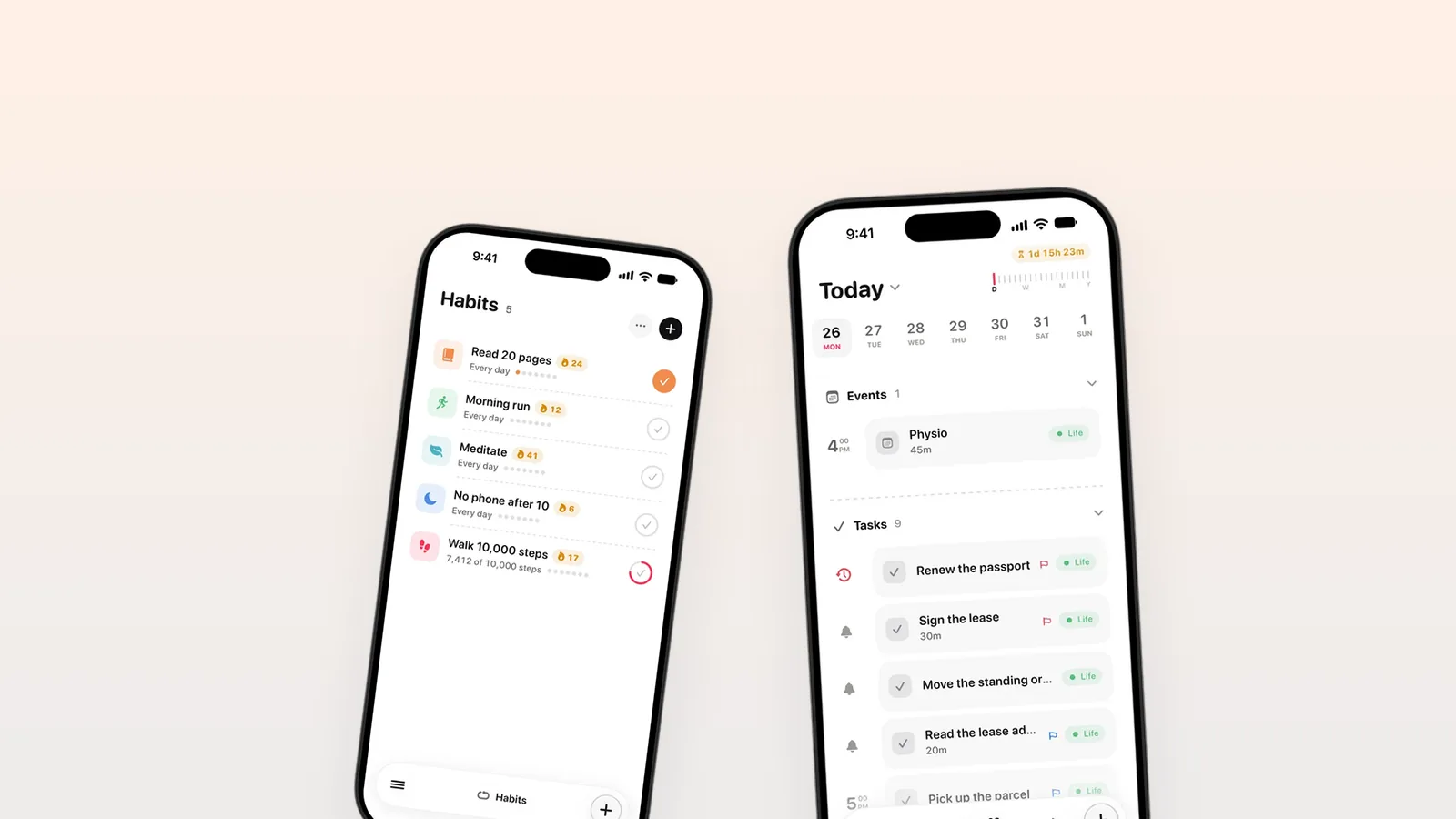
How I plan a day: time blocks and rollover
The ten minutes I spend each morning planning, how I block time for the work that matters, and what happens to the tasks I do not finish.
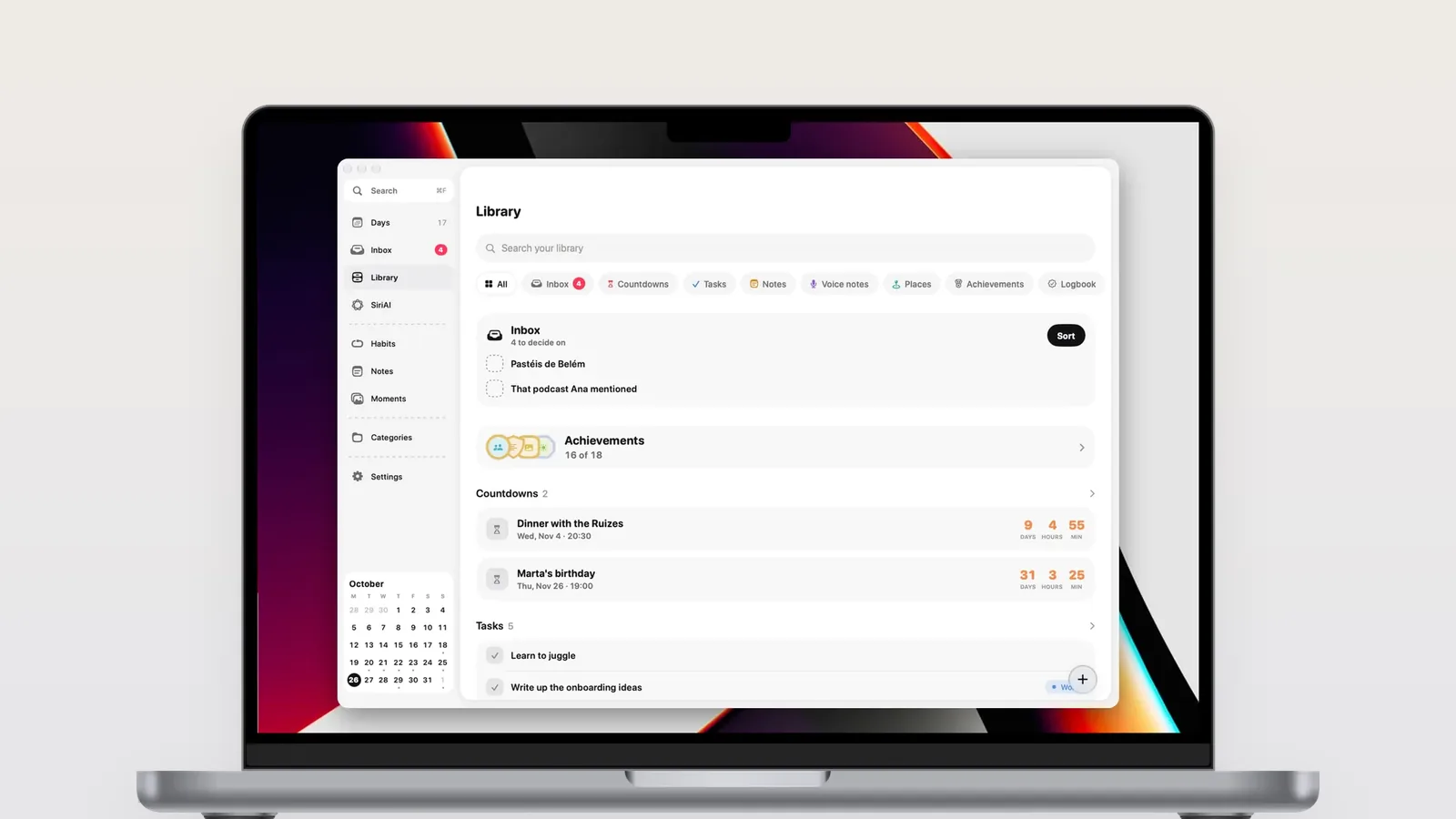
Letting AI agents into your day with MCP on the Mac
ThisDay for Mac 3.0 has an MCP server built in. Turn it on, and agents like Claude can read your day, add items and tick them off, on your Mac only.
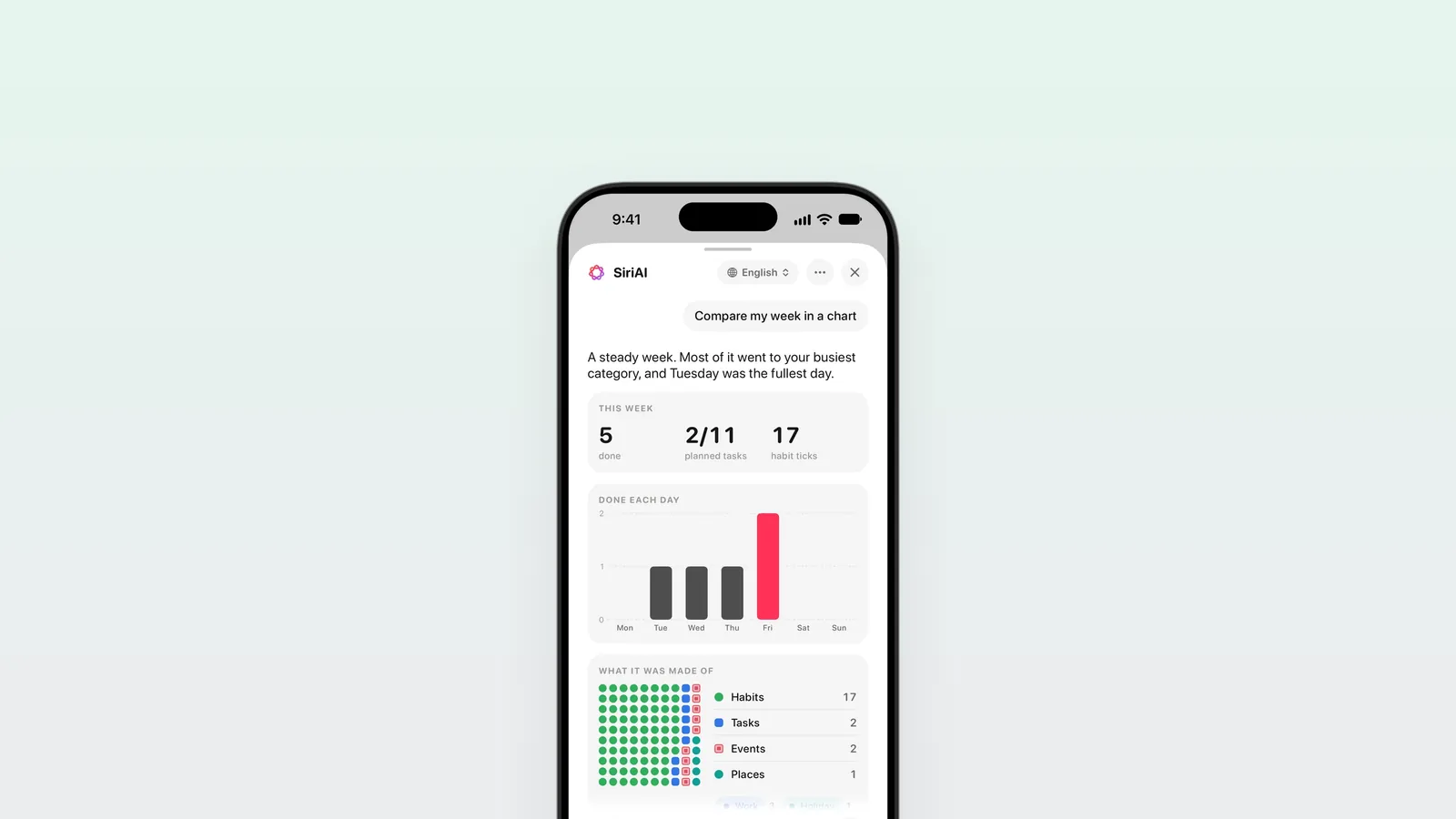
No account, no servers: how ThisDay keeps your day private
ThisDay has no sign-up and I run no servers for it. Your day lives on your device and in your own iCloud, and the AI runs on your device.
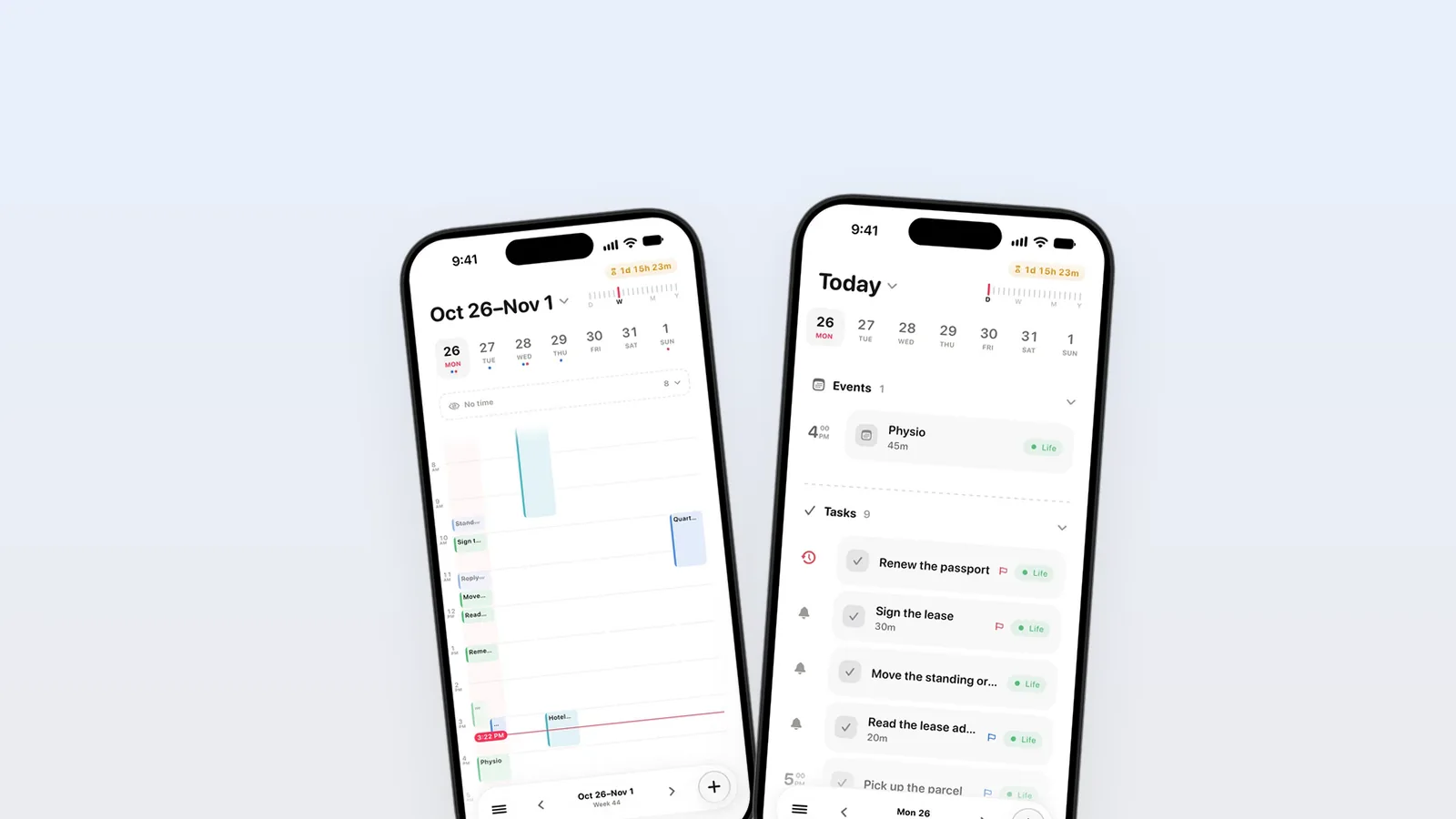
Plan in days, not backlogs
Why ThisDay puts everything on the day it belongs to instead of in a list that only grows, and what that changes about how a week feels.
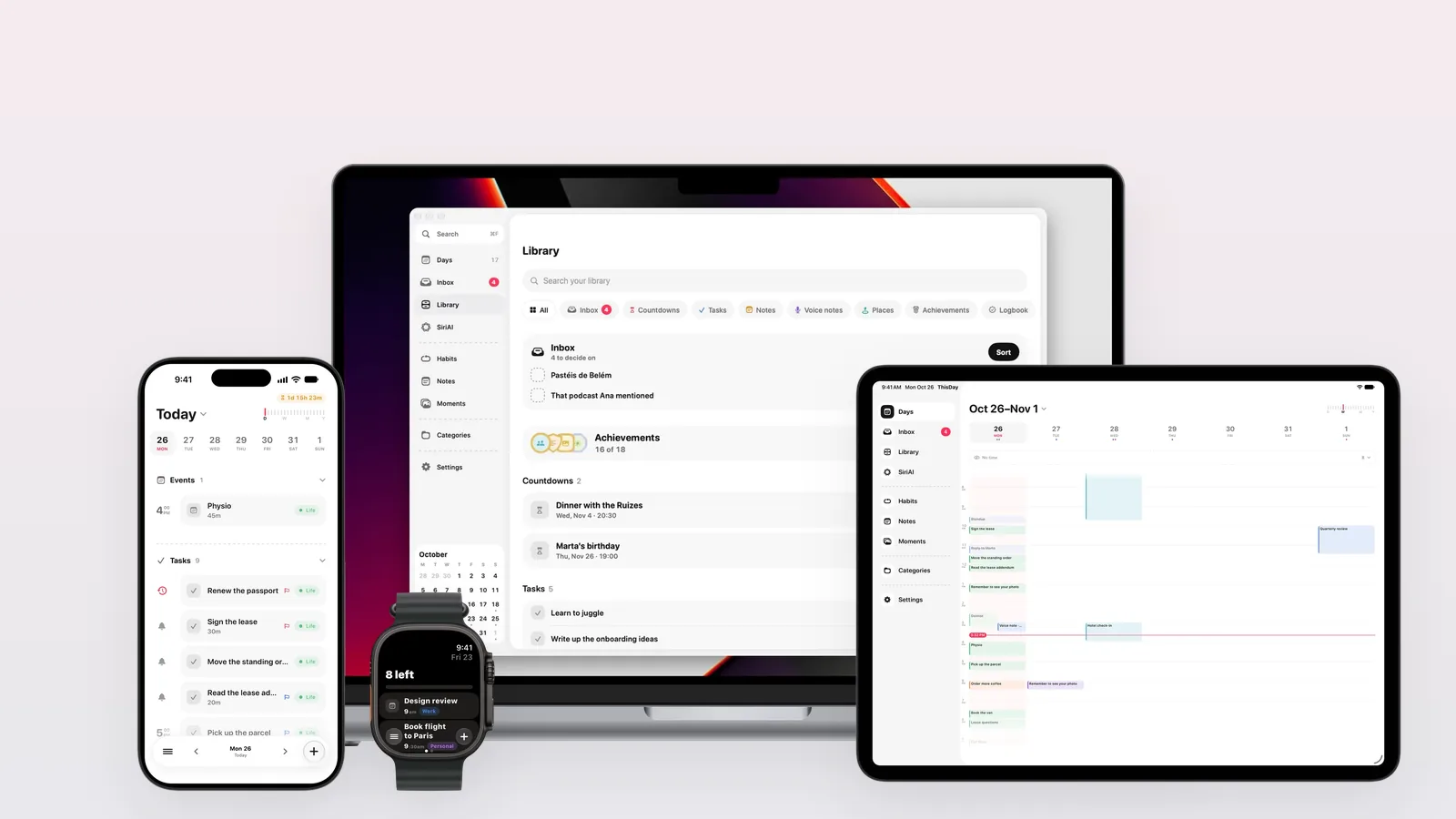
ThisDay 3.0: one day, on every screen
ThisDay 3.0 is a redesign: Days, a Library, SiriAI, search that reaches everything, iPhone Duo, and a Mac app that works with AI agents.
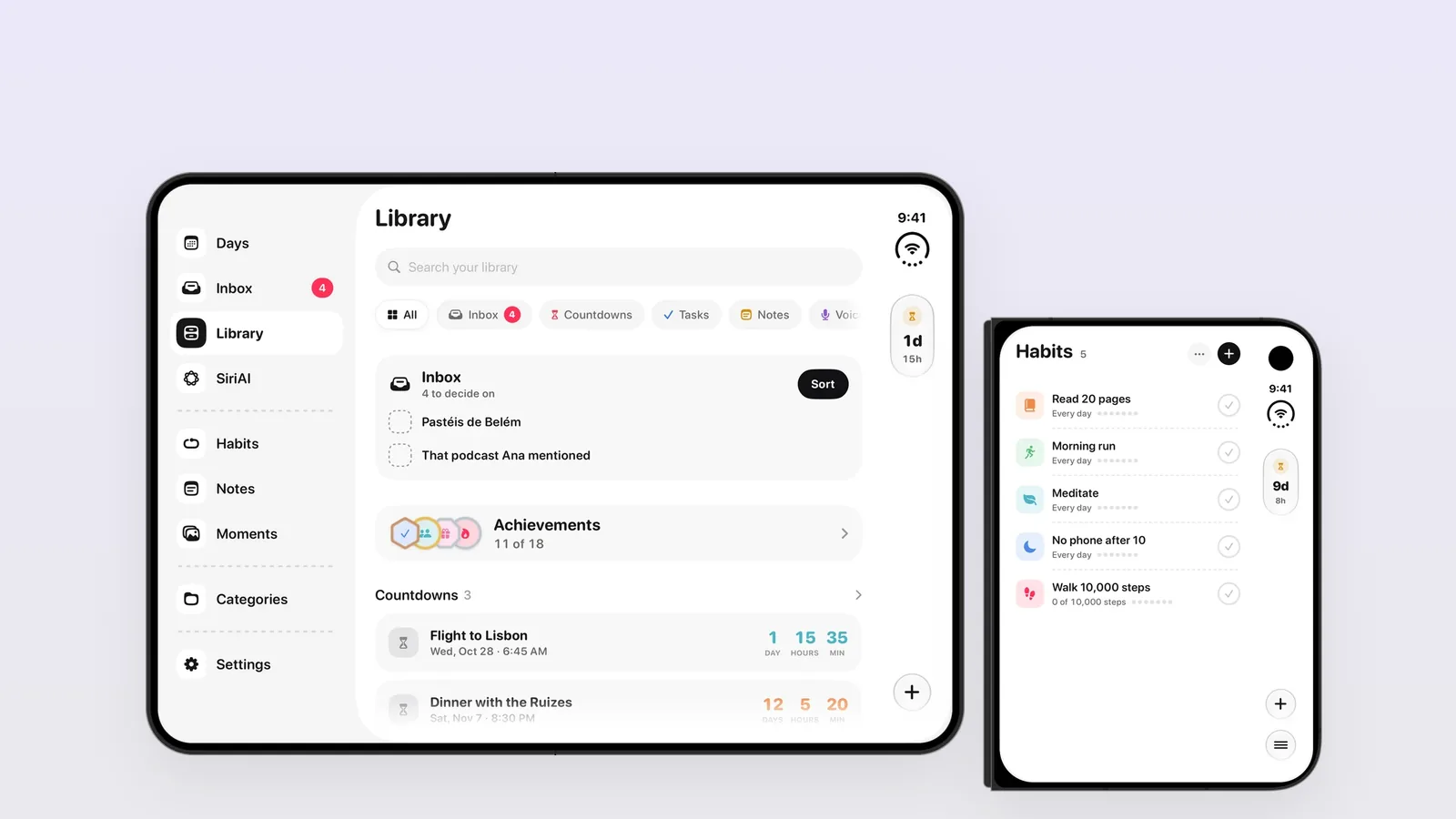
ThisDay on iPhone Duo: one app, three ways to hold it
How I adapted ThisDay to the folding iPhone: a rail in the camera column when closed, a sidebar and two columns when open, nothing on the crease.