ThisDay for Mac
Keyboard shortcuts, the command palette, quick add from any app, and the MCP server that lets AI agents work with your day.
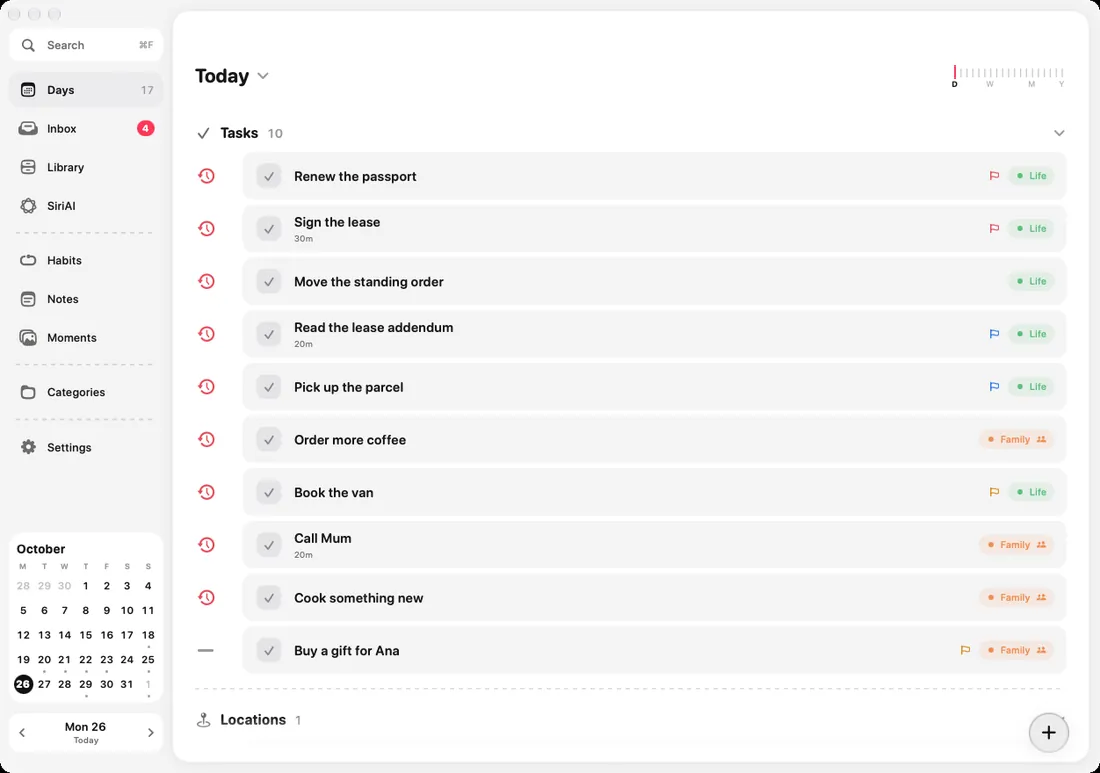

ThisDay for Mac is a Mac app, not an iPhone app in a window: a sidebar, panels, menus, undo and keyboard shortcuts, with the same day as your iPhone through iCloud. It needs macOS 15 or later.
Shortcuts
| Keys | What it does |
|---|---|
| Command K | The command palette: go anywhere, run anything |
| Command N | A new task |
| Option Command N | Quick add from any app (you can change it) |
| Command F | Find |
| Command [ and Command ] | The day before and the day after |
| Command T | Back to today |
| Command D | Duplicate the selected item |
| Command Z, Shift Command Z | Undo and redo |
| Command 1, 2, 3 | Jump to a screen |
Every shortcut is also in the menus at the top of the screen.
Quick add from any app
Option Command N opens a small capture over whatever app is in front, so you can write something down without leaving what you are doing. Settings, Quick add chooses the shortcut and what it opens.
AI agents through MCP
ThisDay for Mac has an MCP server built in, off until you turn it on. With it, AI agents such as Claude Desktop, Claude Code or Cursor can see your day, add and change items, tick them off, move them, run your categories, tick habits and read the Logbook.
- Open Settings, AI agents, and turn on Allow AI agents.
- Copy the setup it shows into your agent's MCP settings. In Claude Desktop that is Settings, Developer, Edit Config. Then restart the agent.
- Ask the agent about your day.
The server answers only on your Mac, never over the internet, and only to an agent with the key Settings shows. New key makes a fresh key and disconnects every agent set up with the old one. The iPhone and iPad apps have no server.
Buying the Mac app
The Mac app has a 3-day trial, then it is its own one-time purchase, cheaper if you already own ThisDay Pro on iPhone or iPad. See Free, Pro and purchases.