Letting AI agents into your day with MCP on the Mac
ThisDay for Mac 3.0 has an MCP server built in. Turn it on, and agents like Claude can read your day, add items and tick them off, on your Mac only.
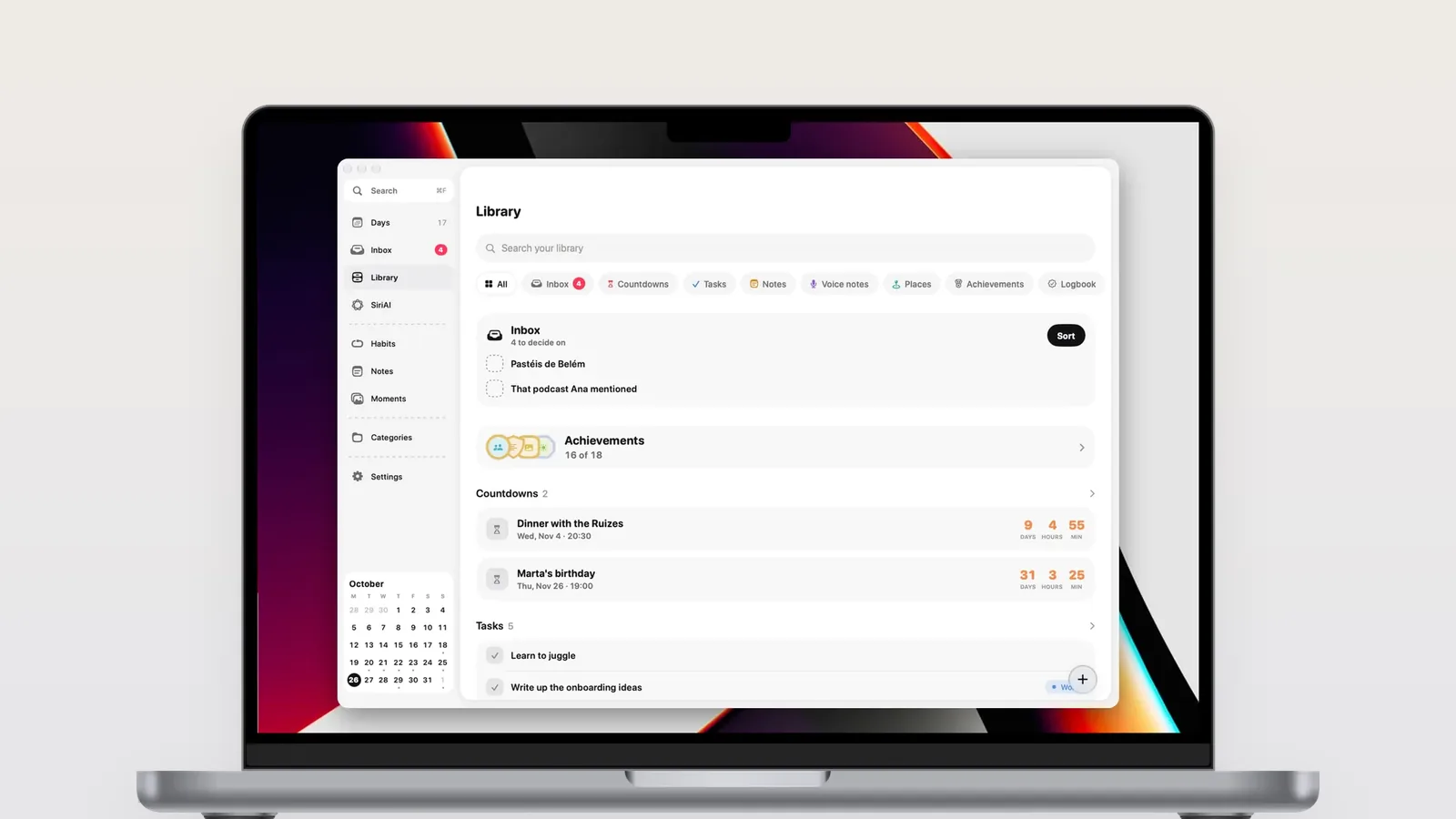
ThisDay for Mac 3.0 has an MCP server built in. When you turn it on in Settings, AI agents such as Claude Desktop, Claude Code or Cursor can read and search your day, add and change items, tick them off and read your Logbook. It answers only on your Mac, never over the internet, and only to agents with your key.
What MCP is
MCP, the Model Context Protocol, is a common way for AI agents to use tools. An app that speaks MCP describes what it can do (list items, add an item, tick one off) and an agent can call those tools when you ask it something.
For a planner that means you can say "move everything I did not finish today to Friday" to the agent you already work with, and it happens in ThisDay.
What agents can do
With the server on, an agent can:
- Read your day, any day, and get an overview of what is coming
- Search everything you have written
- Add tasks, events, notes and other items, with a day, a time and a category
- Change, move, complete and delete items
- Create and manage categories
- Tick habits
- Read the Logbook of what you finished
Deleting moves an item to the trash, where you can restore it from the app.
Turning it on
- In ThisDay for Mac, open Settings, AI agents, and turn on Allow AI agents.
- Copy the setup it shows into your agent. In Claude Desktop that is Settings, Developer, Edit Config.
- Restart the agent and ask it about your day.
The full steps are in ThisDay for Mac in the help pages.
Why it only answers on your Mac
I do not run servers for ThisDay, and I did not want this feature to be the exception. The MCP server runs inside the app, on your Mac. It answers only there, never over the internet, and only to an agent that has the key shown in Settings. Make a new key and every agent set up with the old one is disconnected.
That means the agent sees your day only while ThisDay is running on your Mac, and only when you have let it in.
What I use it for
| I ask the agent | ThisDay does |
|---|---|
| What is on my plate this week? | Lists the week's tasks and events |
| Add "call the bank" tomorrow at 10 | Adds a task with a day and a time |
| Move what I did not finish to Friday | Moves today's open tasks |
| What did I get done last month? | Reads the Logbook |
| Tick "walk" for today | Ticks the habit |
Questions
Which AI agents work with ThisDay?
Any agent that speaks MCP. I have used it with Claude Desktop, Claude Code and Cursor. You add ThisDay to the agent's MCP settings with the setup shown in Settings, AI agents, and the agent can then use ThisDay's tools when you ask it to.
Does the MCP server send my data to the internet?
No. The server runs inside ThisDay on your Mac and answers only on that Mac. It is off until you turn it on, and it only answers agents that have your key. What the agent then does with what it reads depends on the agent you chose.
Does the iPhone app have an MCP server?
No. The MCP server is in ThisDay for Mac only. Changes an agent makes on the Mac reach your iPhone, iPad and Apple Watch through iCloud sync, like any other change, so you can ask an agent on the Mac and see the result on your phone.
Is the MCP server part of the Mac purchase?
Yes. It is part of ThisDay for Mac 3.0, which has a 3-day trial and is then a one-time purchase. There is no extra charge for agents and no subscription.