Plan in days, not backlogs
Why ThisDay puts everything on the day it belongs to instead of in a list that only grows, and what that changes about how a week feels.
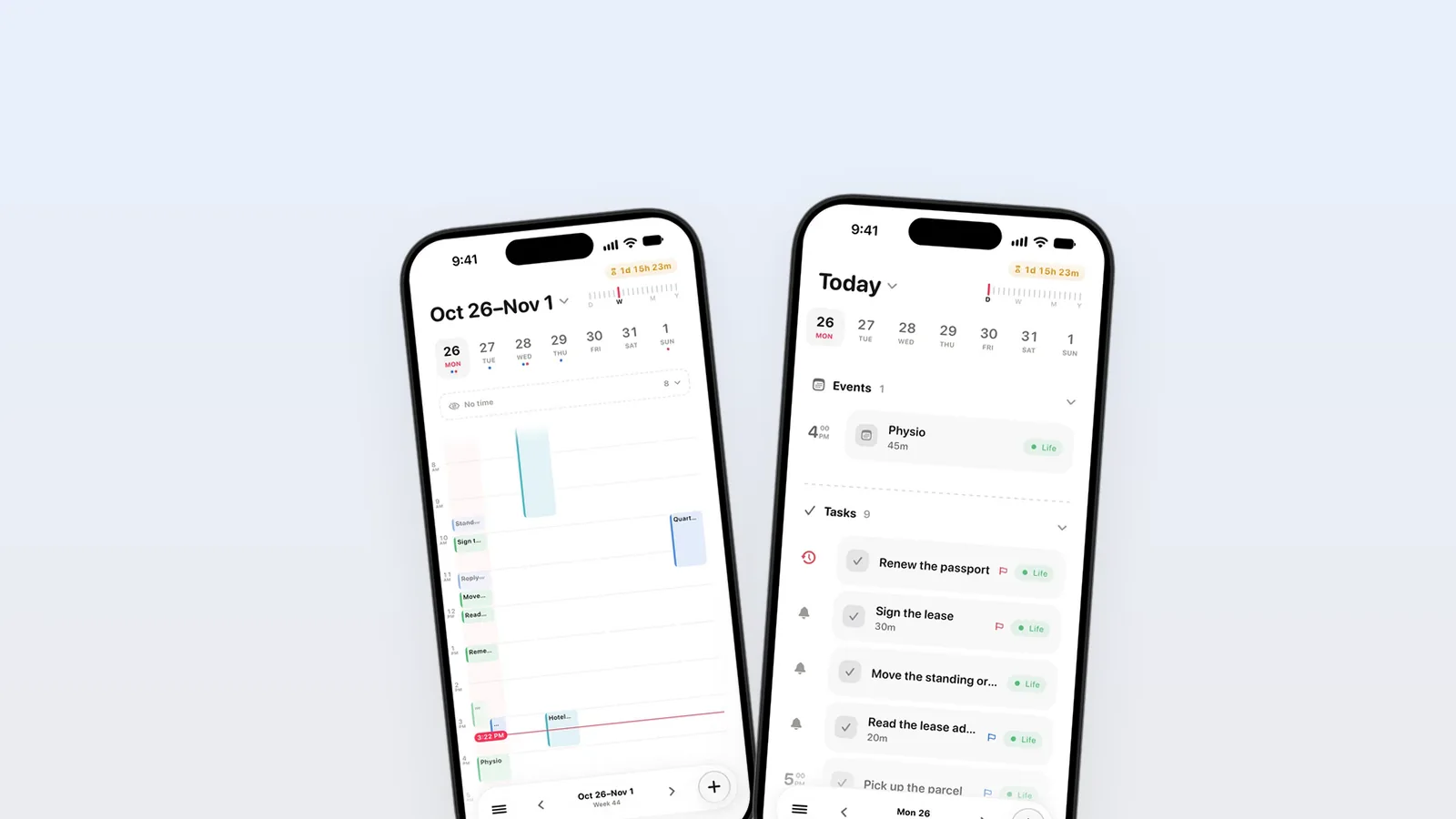
Planning in days means every task gets a day it will happen on, instead of waiting in a backlog. A backlog only grows, so it always says you are behind. A day is finite: it fills up, you can see when it is full, and what does not fit moves to another day on purpose. That is the whole idea behind ThisDay.
The list that never ends
Most task apps start from a list. You write things down, the list gets longer, and at some point you have a hundred items and no idea which five matter today. You sort, you tag, you add priorities, and the list is still a hundred items long.
I built ThisDay because I kept doing that, and the list kept winning. What I needed was not a better list. It was a smaller question: what am I doing today?
A day has edges
A day has a fixed size. It has a morning, meetings with times, a lunch, an evening. When you put a task on a day, you are not only saying it matters, you are saying when it will get done, and you can see straight away whether there is room for it.
That changes how planning feels:
- You plan against time, not against a pile. Five tasks on a day with three meetings is a real plan. Fifty tasks on a list is a wish.
- Saying no gets easier. When today is full, a new task goes to Thursday. You decided; it is not lost.
- Finishing means something. When the day is done, it is done, not "the list is slightly shorter".
Not everything belongs to a day
Some things have no day yet: an idea, a gift for someone, a place to visit one day. ThisDay keeps those in the Inbox until you sort them, and in the Library when you mean to keep them for later. The difference is that they are not mixed in with the day's work. Your day stays a day.
What happens to what you do not finish
This is where most day planners break. You plan a day, the day goes sideways, and on Wednesday you open the app to find Monday's tasks rotting in the past.
In ThisDay, unfinished tasks roll over to today. They are not lost, and they do not hide in the past; they come with you until you do them, move them or decide they do not matter. I wrote more about how I handle that in How I plan a day.
Days vs backlogs, side by side
| Backlog | Days | |
|---|---|---|
| The question it answers | What could I do? | What am I doing today? |
| Size | Grows without limit | One day at a time |
| What a full plan looks like | A long list | A day with no room left |
| Unfinished work | Stays in the list | Rolls over to today |
| Where meetings live | Another app | The same day |
Seeing more than one day
A day is the unit, but you still need to see the week. In ThisDay, Days zooms out: a ruler at the top goes from one day to a few, the week, the month and the year. You plan on the day and look ahead on the week, in the same screen. See Days and the zoom ruler.
Questions
Is planning in days the same as time blocking?
Not quite. Planning in days means every task has a day. Time blocking goes one step further and gives some of them a time on that day. ThisDay supports both: a task can have only a day, or a day and a time, and the timed ones remind you.
What if I do not know when I will do something?
Put it in the Inbox. Anything without a day waits there until you sort it, and Auto sort can file a whole Inbox at once where Apple Intelligence is available. Things you want to keep without a date live in the Library, out of your day's way.
Do unfinished tasks pile up on today?
They roll over to today, so you see them. If too many arrive, that is a signal: move some to a later day, drop the ones that no longer matter, and the day is honest again. It takes a minute and it is the most useful minute of planning.
Can I still see my calendar?
Yes. Events from Google, Outlook, Exchange and iCloud calendars on your device show in the same day as your tasks, and Days zooms out to the week, the month and the year. Your plan and your meetings are never in two places.